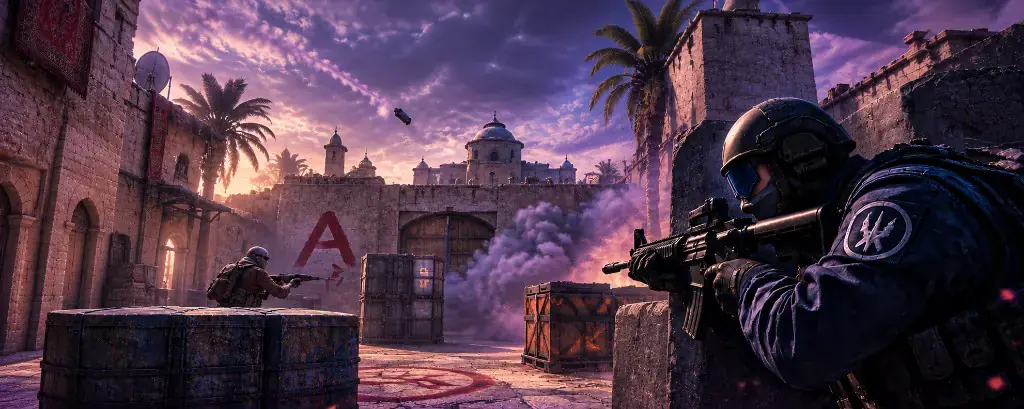
Aimbot controles
Enable Aimbot
Master switch for the section. With it off, none of the other aim controls do anything, and player ESP, the radar, and misc carry on as normal.
Smooth aim
How gradually the crosshair travels once a target is picked. Low values snap. Higher values ease over and are easier to follow by eye.
FOV control
The area around your crosshair the aimbot may pick a target from. Players outside it are ignored, even when ESP is drawing them.
Bone selection
Which point on the player the aim settles on. It changes where the crosshair lands, not who gets picked.
Visible check
Skips a target when the selected bone is behind solid cover, so the pick stays on someone you can actually hit.
How the aimbot picks and moves
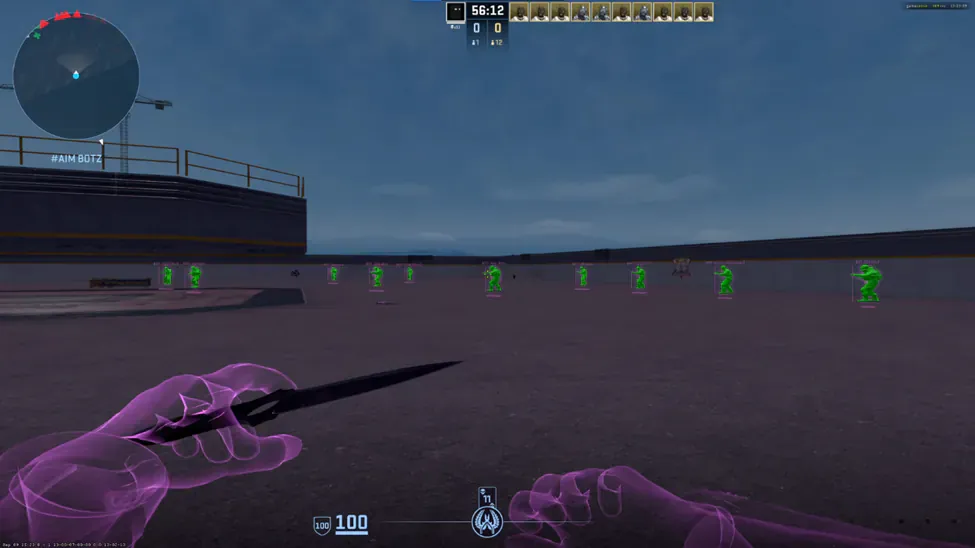
It works in two steps. First it decides who: FOV control sets the area it looks in, and visible check removes anyone behind cover. Then it decides how: bone selection sets where on that player the aim goes, and smooth aim sets how quickly it gets there.
If it picks the wrong player, look at FOV control and visible check first. If it picks the right player but the movement feels wrong, adjust smooth aim and bone selection.
A sensible first setup on FACEIT
Play one half with the aimbot off and player ESP on, so you know what the labels look like before anything moves your mouse. Then switch it on with a small FOV and raise smooth aim until you can follow the movement by eye.
Save that setup in misc once it feels readable. You can load it again before your next queue without rebuilding every slider.
What the aimbot section does not include
There is no silent aim, no triggerbot, and no per-weapon aim profiles on the published list. This build targets FACEIT anti-cheat lobbies only, not a separate Premier or public matchmaking menu.
Encaja bien con
Lecturas relacionadas
Preguntas sobre CS2 FACEIT Aimbot
Can I use player ESP without the aimbot?
Yes. Turn the aimbot off and player ESP, the radar, and misc still run.
Does this aimbot have silent aim or a triggerbot?
No. You get enable, smooth aim, FOV control, bone selection, and visible check.
What is the difference between FOV control and ESP?
FOV control limits who the aimbot may pick. ESP only draws labels. A player can be labelled outside your aim FOV.
Aimbot va con el menú completo
Una licencia cubre todos los módulos. El mensual son 35 $ por 31 días. El de por vida son 150 $.
Por el sitio
Estado, pago y las guías que rodean este módulo.
- InicioEstado, precios y el archivo del foro
- FuncionesMódulos de aimbot, ESP, radar y misc
- ProductoPlanes, pago y capturas
- ForoHilos cerrados sobre instalación, ajustes y la etiqueta
- EstadoGREEN o RED antes de cargar
- FAQFunciones, instalación y estado tras un parche
- SupportAyuda con el loader y la entrega
- BlogArtículos sobre aimbot, ESP y radar