Opening a FACEIT menu for the first time is overwhelming: every module lights up at once and your FPS dips before the pistol round starts. This guide suggests calm starting values for This site’s published controls—tune up only after a few scrims, not during your first live pug.
Confirm you are on the FACEIT build from the product page before you save configs. Settings copied from other clients rarely transfer cleanly—see FACEIT vs Premier.
Aimbot: start narrow and smooth
Begin with a small FOV so the assist only engages near your crosshair, and higher smooth so movement looks less snappy. Enable visible check so targets fully behind cover are ignored.
- Pick one bone—usually head or upper chest—and stay with it for a week.
- Avoid max smooth zero on day one; you are learning recoil patterns, not replacing them.
- Bind a toggle key if the menu supports hotkeys in Misc controls.
Details for each slider live on Aimbot controls.
ESP: readable, not neon
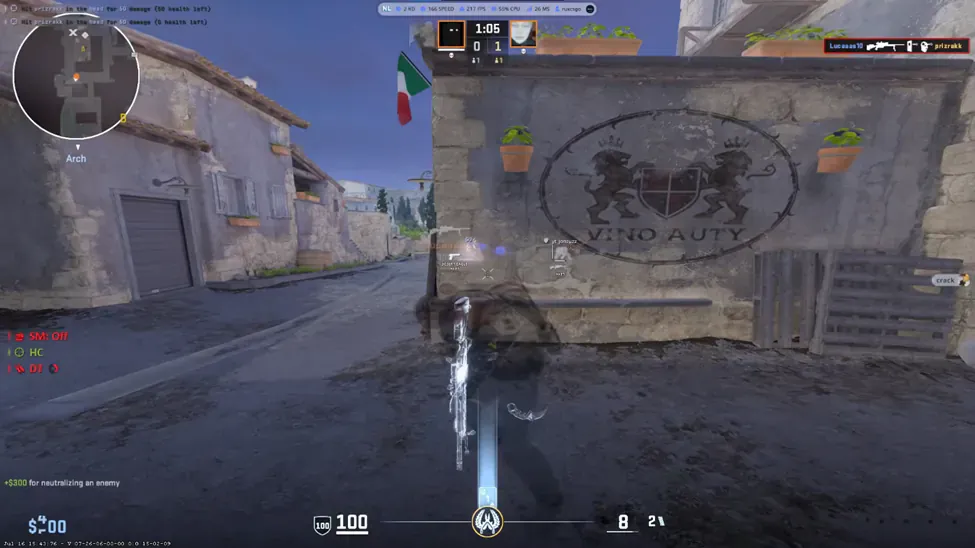
Turn on box and health first. Add skeleton only if you still misread spacing. Distance text is optional; too many labels obscure smokes and molotovs.
- Keep colors distinct from map callouts you already use.
- Lower opacity if teammates complain about stream glare—even with stream-proof modes, your eyes still process clutter.
- Cross-check labels with Player ESP so you know what each toggle names.
For vocabulary, read ESP, aimbot, and wallhack explained.
Radar and misc
Set radar scale so the entire map fits without covering utility icons. Misc is where config save/load and overlay hotkeys usually live—set those before you tweak aim again.
- Save a “scrims” config after baseline toggles work.
- Duplicate to a “ranked” config only when you change one or two values.
- Note the menu key from your delivery email before you close the loader.
When something feels off
If the menu never opens, walk the Windows requirements checklist before you change in-game values. If delivery or loader errors persist, contact Support with your order id and Windows version.
Pricing and renewal questions belong on the Price page; short troubleshooting answers are on the FAQ page.
Related pages:Misc controlsESP and aimbot explainedProduct page
Back to blogs